HTTP Upload Image Telegram
Materials
AMB82-mini x 1
SD card x1
Example
This example illustrates how to upload an image file to A Telegram bot.
Open Telegram, search for @BotFather, send /newbot, then follow the instructions to create a bot.
Upon successful bot generation, you will receive a bot token.
Send your bot any message, then open “https://api.telegram.org/botYOUR_TOKEN/getUpdates”, replace YOUR_TOKEN with received bot token.
In the JSON, please look for your chat ID. For example,
"chat": { "id": 987654321 }
987654321 is your chat ID.
Open File -> Examples -> AmebaHTTP -> HttpUploadImageTelegram
Update WiFi credentials, bot token and chat ID.
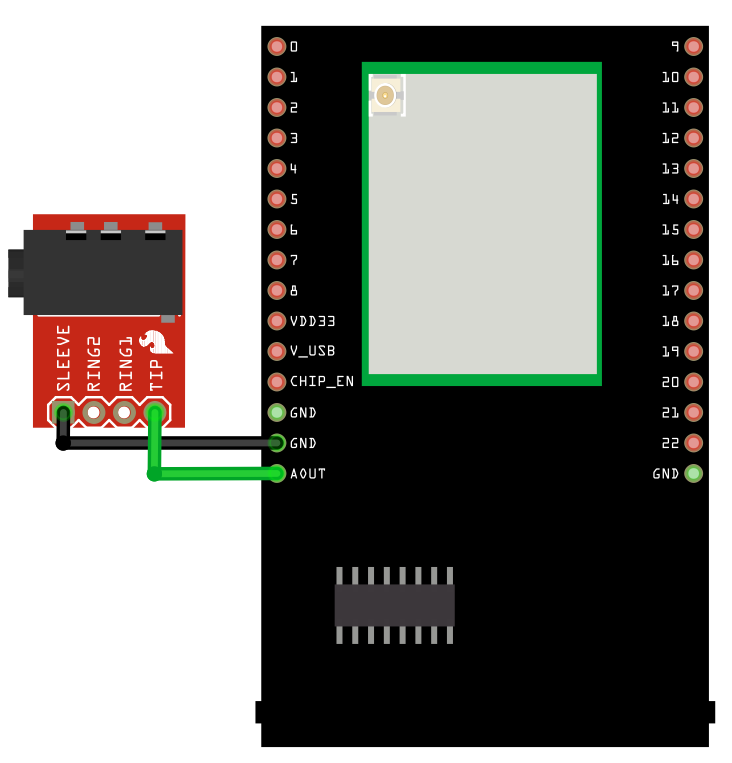
Compile and run the code.
Once image is uploaded successfully, you may see it on your Telegram bot.