HTTP Upload Image
Materials
AMB82-mini x 1
SD card x1
Example
This example illustrates how to upload an image file to a local server via HTTP, a copy of the uploaded image will also be saved to SD card.
Install Docker Desktop.
Download “http-image-server” package from ‘Ameba_misc’ folder.
Unzip “http-image-server” and run “docker compose up –build” command.
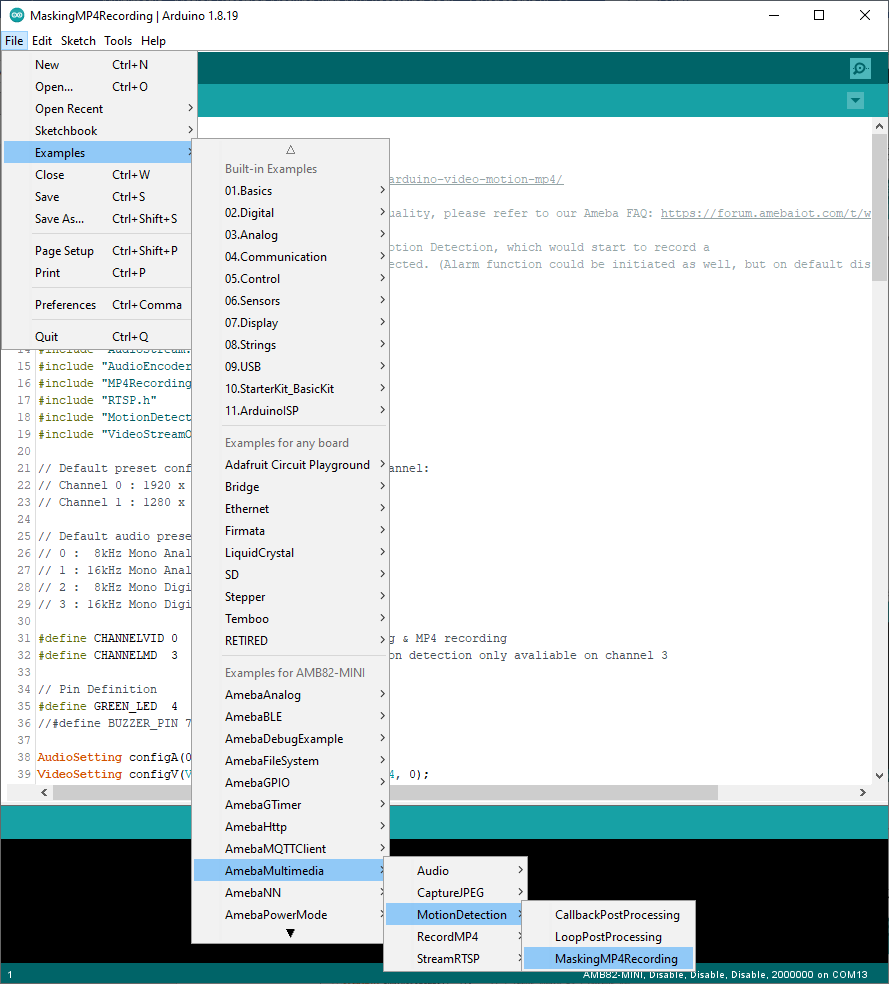
Open File -> Examples -> AmebaHTTP -> HttpUploadImage
Update WiFi credentials and server IP. Kindly use LAN IP of the Docker host.
Compile and run the code.
Once image is uploaded successfully, you may find it in the “upload folder”
The uploaded image files are stored in the /http-image-server/uploads directory. You will need to navigate to this folder to look for the images.