TensorFlow Lite - Hello World
Materials
AmebaD [AMB21 / AMB22 / AMB23 / BW16 / AW-CU488 Thing Plus / AMB25 / AMB26] x 1
LED x 1
Example
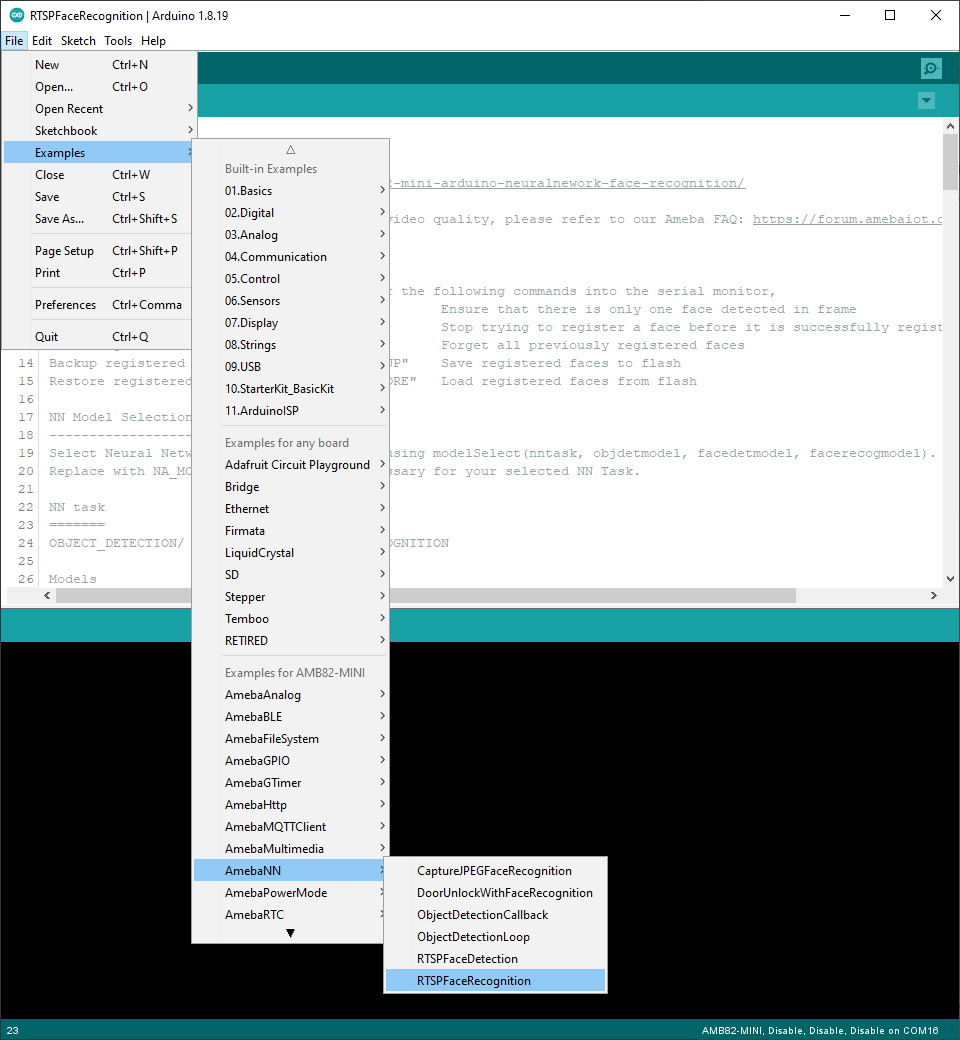
Open the example, Files -> Examples -> AmebaTensorFlowLite -> hello_world
Enable TensorFlow Lite option. It is set to disable by default.

Upload the code and press the reset button on Ameba once the upload is finished.
Connect the LED to digital pin 10 and ground, ensuring that the polarity is correct. You should see the LED fade in and out rapidly.
In the Arduino serial plotter, you can see the output value of the Tensorflow model plotted as a graph, it should resemble a sine wave.
Code Reference
More information on TensorFlow Lite for Microcontrollers can be found at: https://www.tensorflow.org/lite/microcontrollers