TensorFlow Lite - Person Detection
Materials
AmebaD [AMB21 / AMB22 / AMB23 / BW16 / AW-CU488 Thing Plus / AMB25 / AMB26] x 1
Arducam Mini 2MP Plus OV2640 SPI Camera Module x 1
LED x 3
Example
Wiring Diagram:
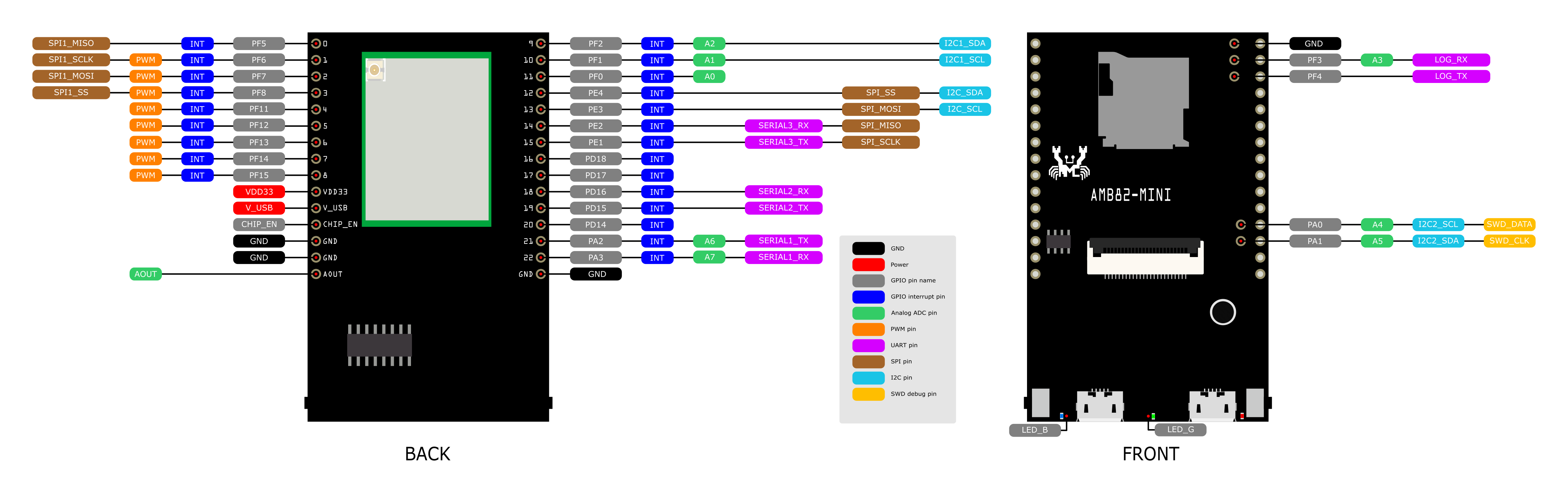
Connect the camera and LEDs to the Ameba board according to the diagram below.
Download Ameba_ArduCAM library at https://github.com/Ameba-AIoT/ameba-arduino-d/blob/master/Arduino_zip_libraries/Ameba_ArduCAM.zip. Follow the instructions at https://docs.arduino.cc/software/ide-v1/tutorials/installing-libraries to install it.
In the Arduino IDE library manager, install the “JPEGDecoder” library. This example has been tested with version 1.8.0 of the JPEGDecoder library. Once the library has installed, you will need to configure it to disable some optional components that are not compatible with the RTL8722DM. Open the following file:
Arduino/libraries/JPEGDecoder/src/User_Config.hMake sure that both#define LOAD_SD_LIBRARYand#define LOAD_SDFAT_LIBRARYare commented out, as shown in this excerpt from the file:
//#define LOAD_SD_LIBRARY // Default SD Card library
//#define LOAD_SDFAT_LIBRARY // Use SdFat library instead, so SD Card SPI can be bit bashed
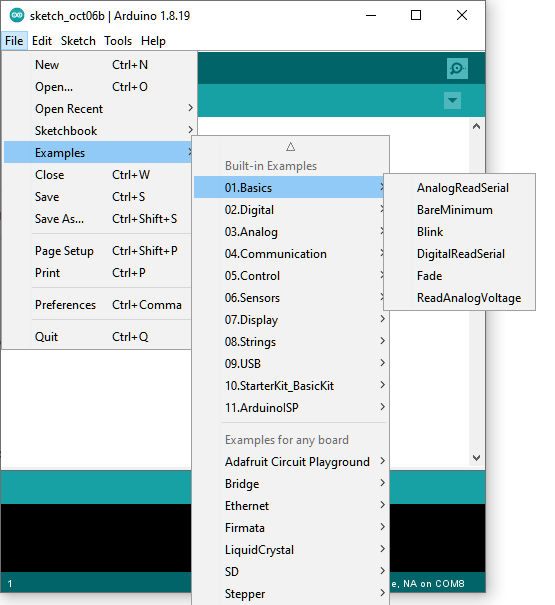
Open the example, Files -> Examples -> AmebaTensorFlowLite -> person_detection
Enable TensorFlow Lite option. It is set to disable by default.
Code Reference
More information on TensorFlow Lite for Microcontrollers can be found at: https://www.tensorflow.org/lite/microcontrollers