Slave Send Data to Arduino UNO
Materials
AMB82-mini x 1
Arduino UNO x 1
Example
I2C Introduction
There are two roles in the operation of I2C, one is “master”, the other is “slave”. Only one master is allowed and can be connected to many slaves. Each slave has its unique address, which is used in the communication between master and the slave. I2C uses two pins, one is for data transmission (SDA), the other is for the clock (SCL). Master uses the SCL to inform slave of the upcoming data transmission, and the data is transmitted through SDA. The I2C example was named “Wire” in the Arduino example.
Introduction
In this example, the AMB82-mini is configured as an I2C slave sender at address 0x08, while the Arduino UNO acts as the I2C master reader. The Arduino UNO requests data from the AMB82-mini every 500 milliseconds, and the AMB82-mini responds with the message “hello master from slave”. The Arduino UNO prints the received message on its Serial Monitor.
Procedure
Setting up Arduino Uno to be I2C Master
Then click Sketch -> Upload to compile and upload the example to Arduino Uno.
Setting up AMB82-mini to be I2C Slave
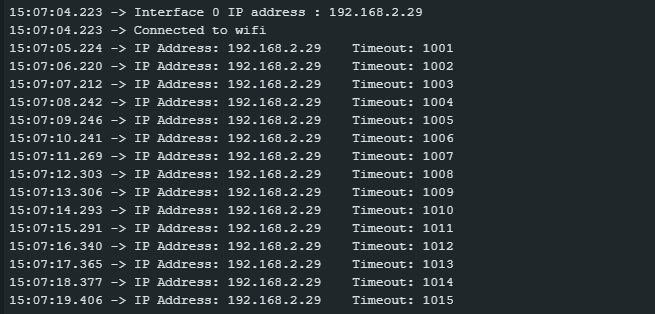
Click Sketch -> Upload to compile and upload the example to AMB82-mini.
Wiring
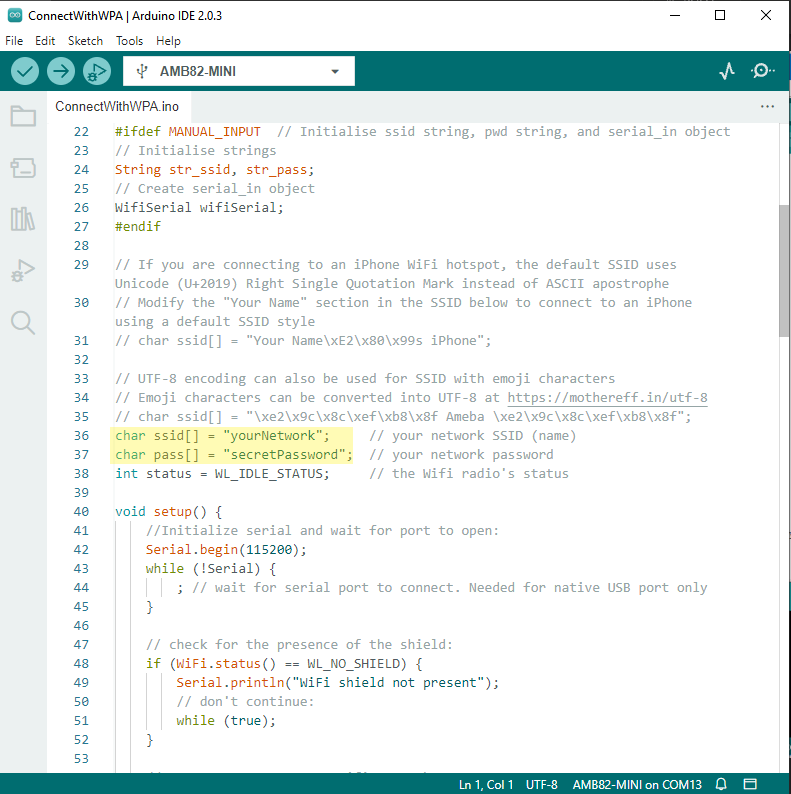
AMB82-mini will print out the following logs if the message has been sent to master.
Code Reference
Wire.begin(address) to join the I2C bus as a slave with the given address.Wire.onRequest(handler) to register a callback function that is called when the master requests data from this slave.Wire.write() to write data from a slave device in response to a request from a master.Wire.slaveWrite() to trigger the slave to prepare and send the queued data to the master.